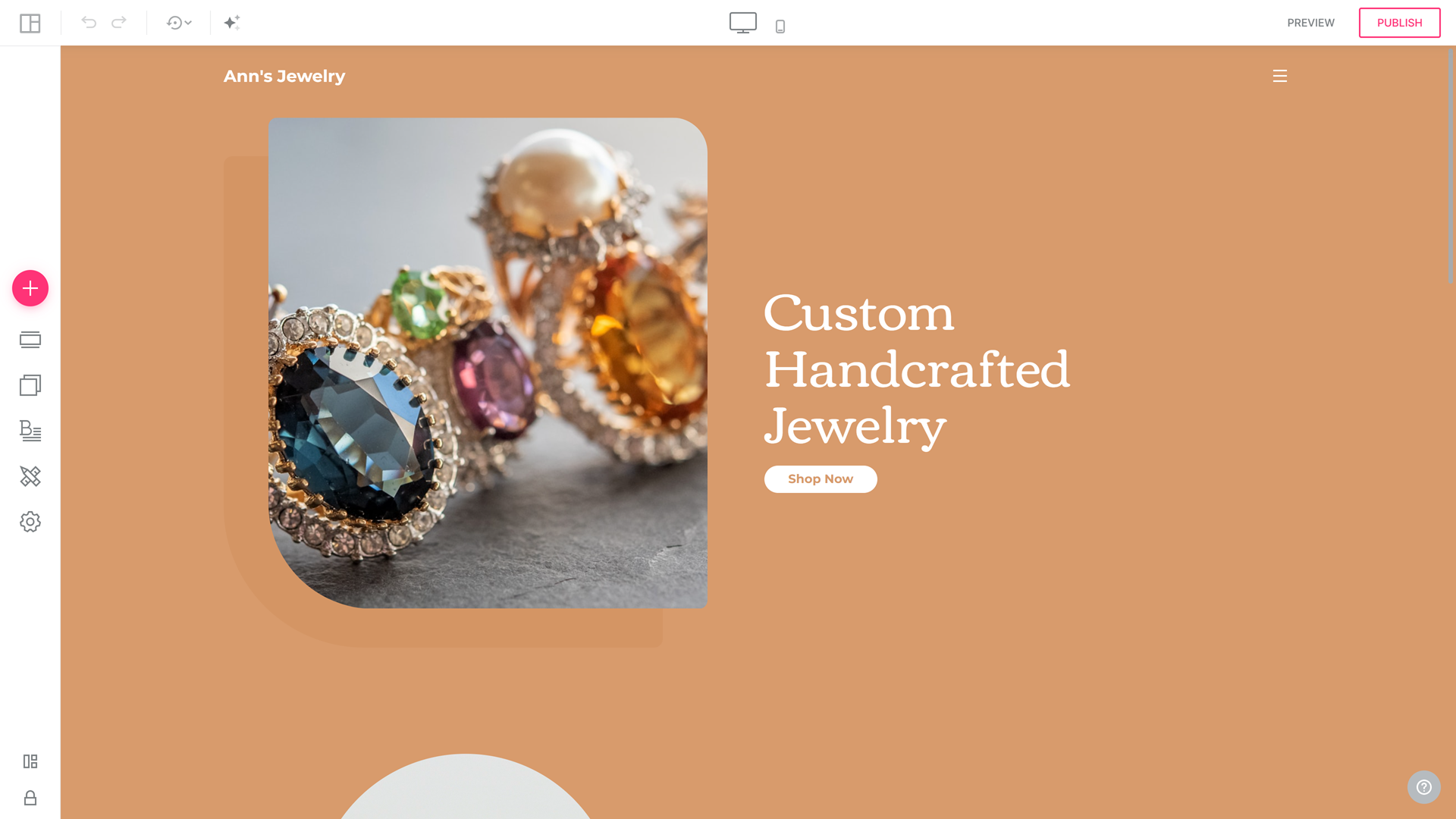
Website Onboarding
Create a professional website effortlessly with our Site Builder. Our AI-powered onboarding process will guide you through customizing colors, fonts, hero images, and other essential website elements to reflect your unique brand identity. Upon completing the onboarding process, you'll receive a beautifully generated website tailored to your preferences.
Accessing Website Onboarding Functionality
To access the Website Onboarding functionality:
- Click Create Site from your Account Manager:

- Proceed to the With AI Builder section and click Generate Website:
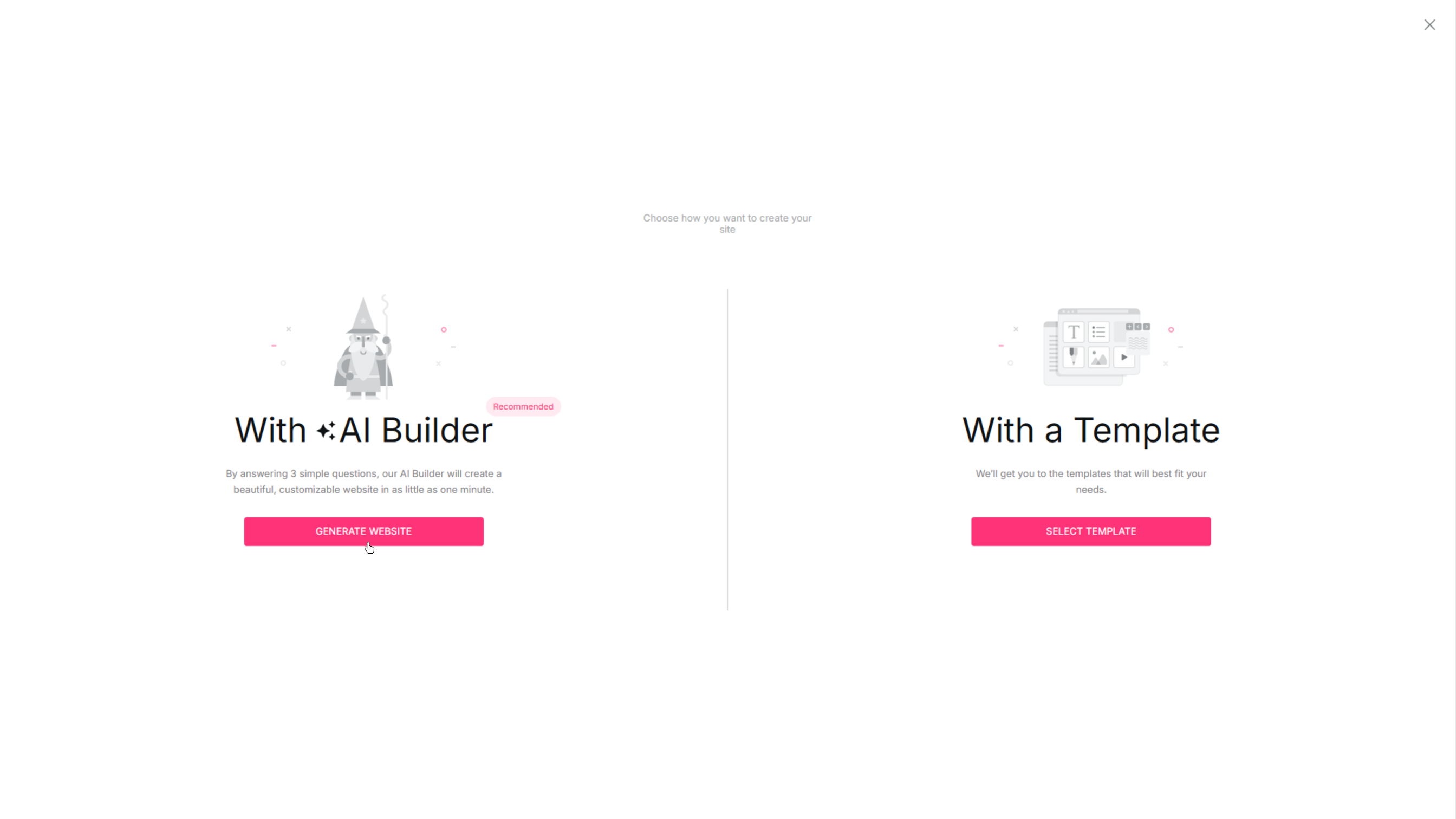
You can also create a website using the With a Template (Site Wizard) option. Please refer to the Site Wizard article to learn more about the With a Template (Site Wizard) path.
Navigating the Onboarding Steps
Follow these simple steps to create your dream website:
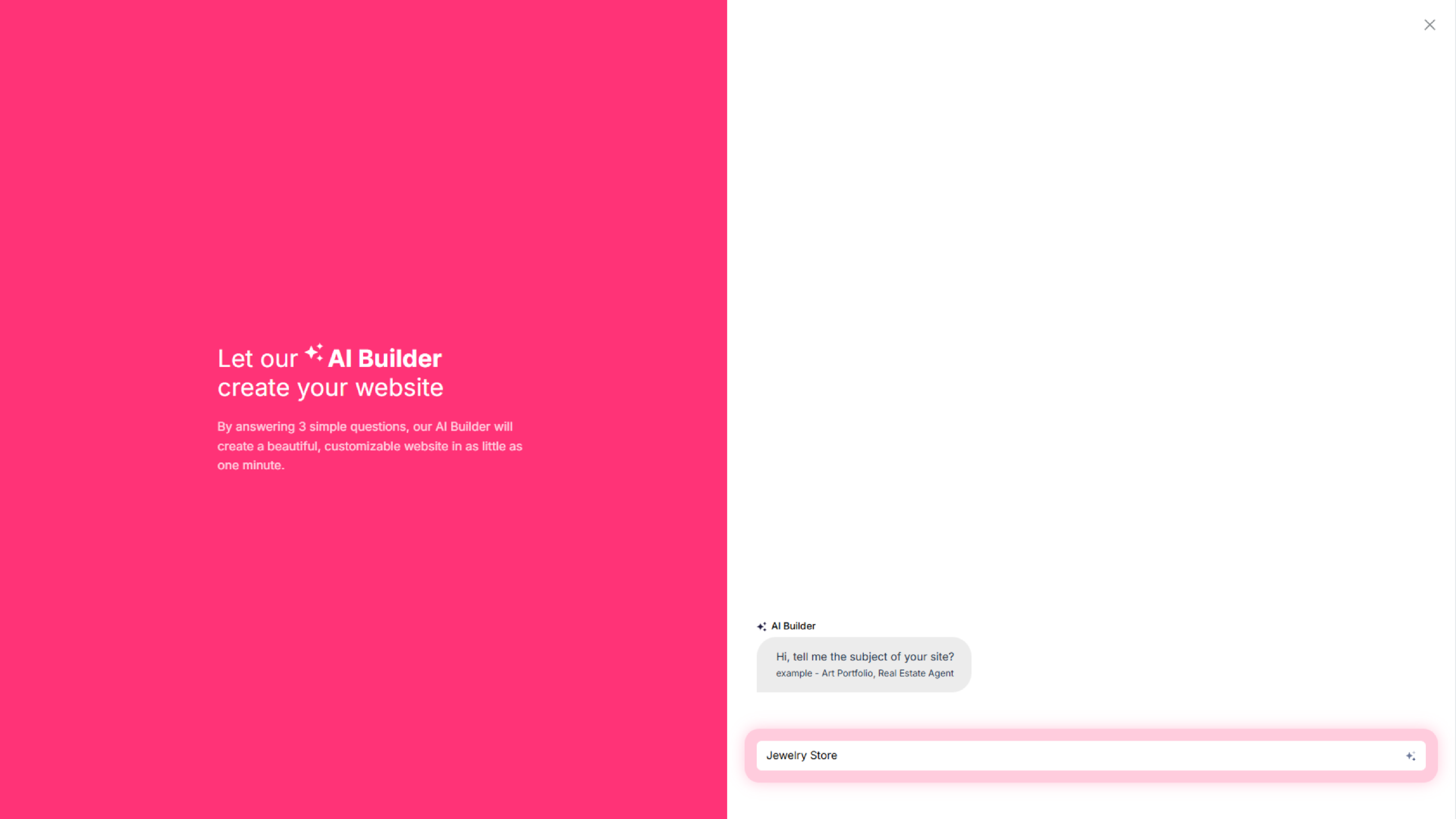
- Enter your website subject, explain what your site is about, and click Enter to proceed:
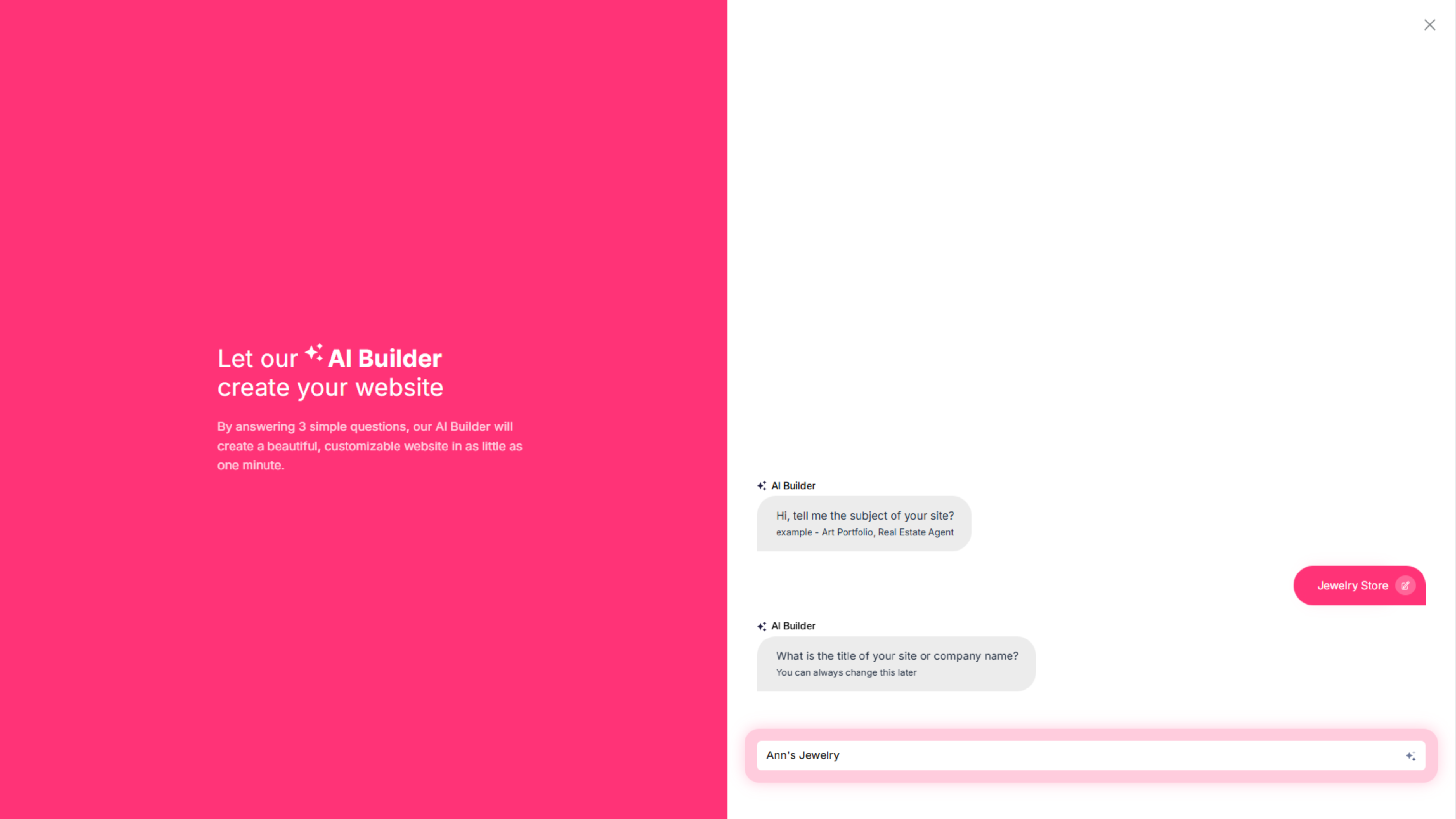
- Enter your Website Title (or Business Name) and click Enter:
- Add information about your project and explain your project's goal. Click Enter to proceed:
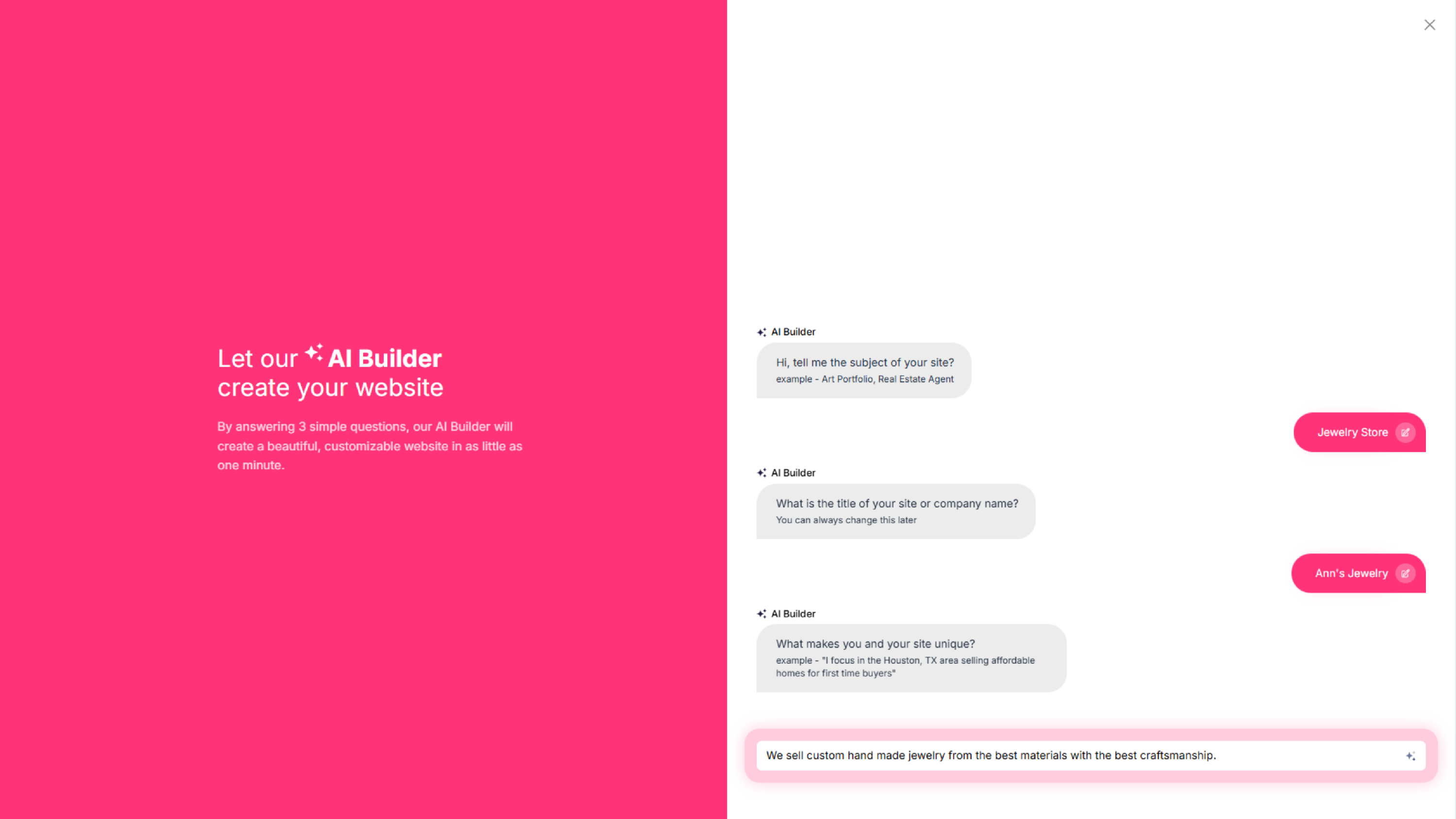
- Click the Presto, ready to generate your site! button to complete site generation:
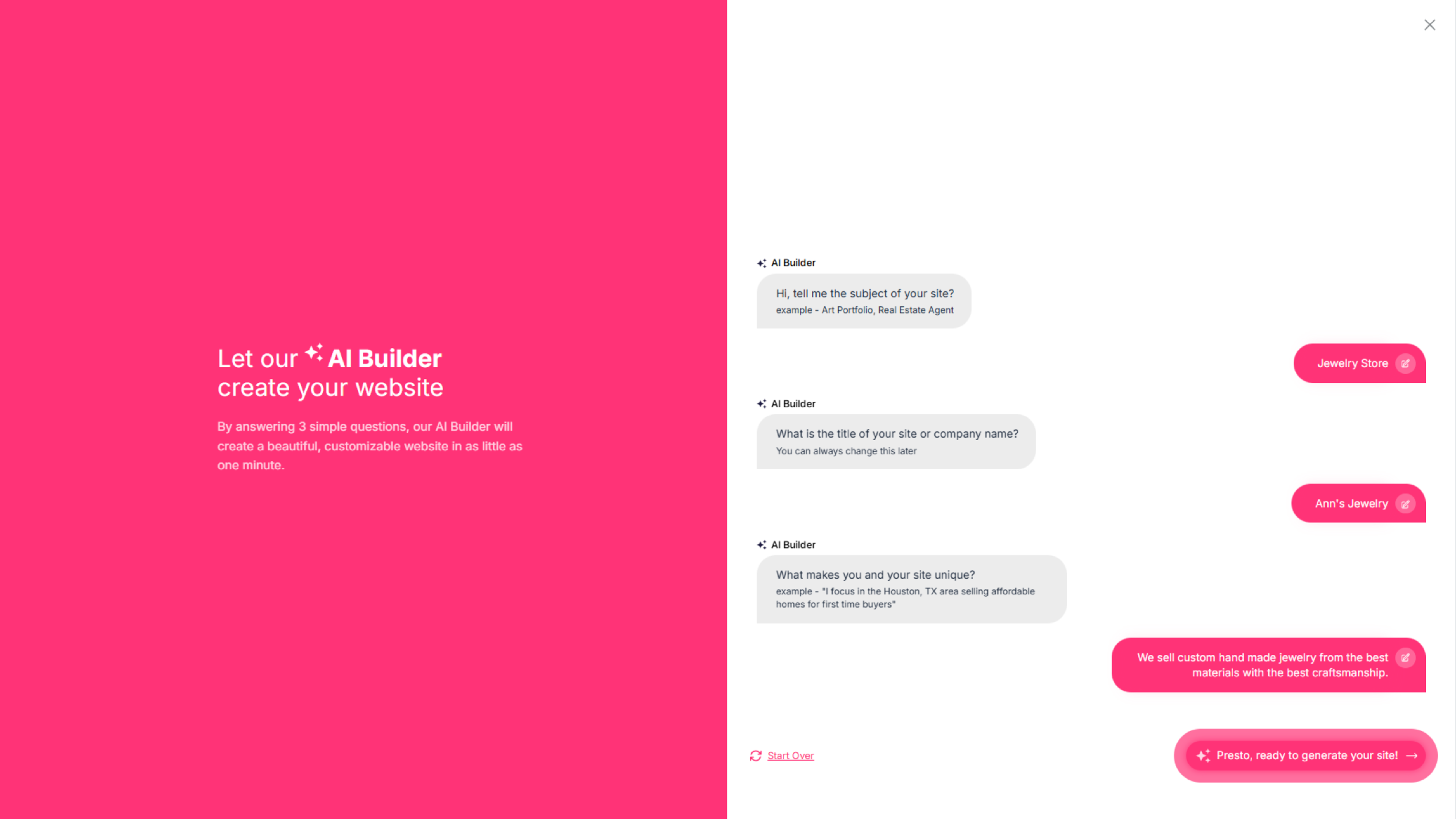
- Select Start Over to start the AI Onboarding from the beginning.
- Click on the [Pencil] icon to edit any of the answers.
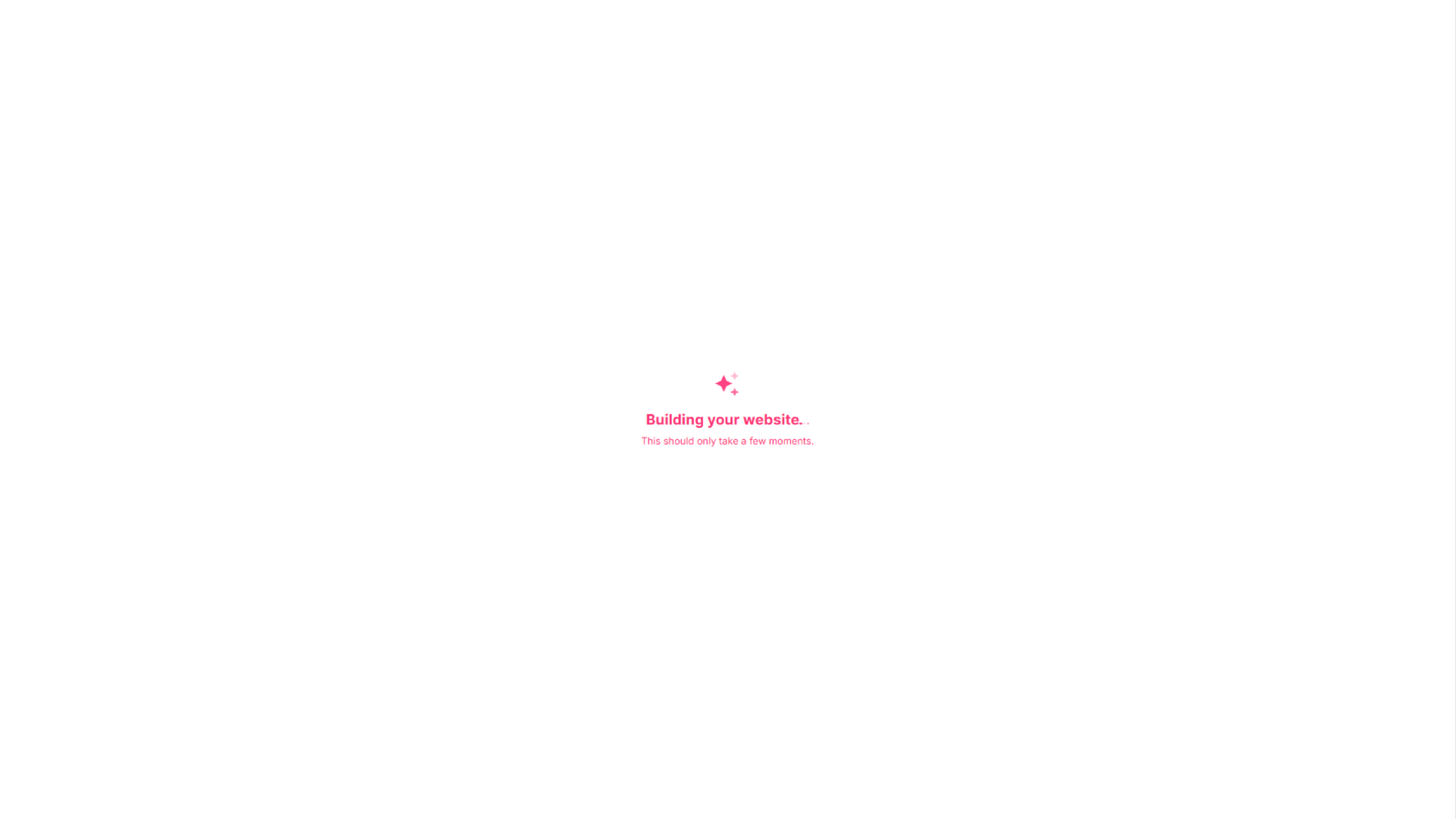
- Wait a bit to generate your website:
- Once your website is generated, you will be redirected to the Website Builder: